Skip to main content
How do I setup OneDrive for my Office 365 account?
Paul Sainsbury
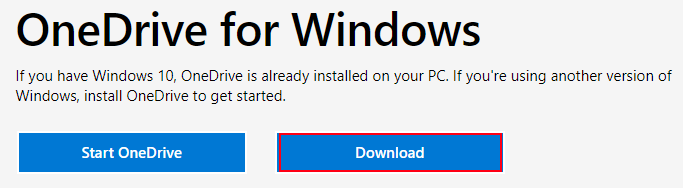
- If you need to Install OneDrive, go to https://www.microsoft.com/en-us/microsoft-365/onedrive/download and download it
- Go to OneDrive online: https://tradewaypromotionsza-my.sharepoint.com/
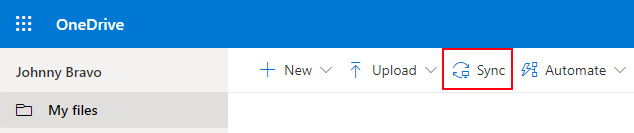
- In top of the screen, find the "Sync" option and click on it:
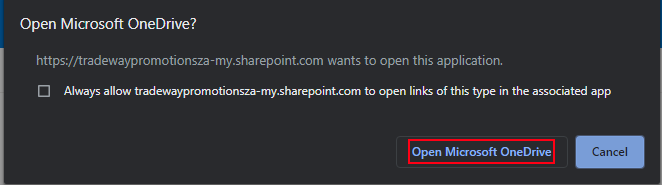
- You will be asked if you want to open OneDrive, choose the option that will open it:
- One drive should now confirm that your files are now being sync'ed
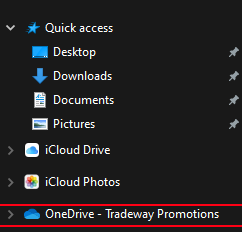
- If you open up the Windows file explorer or finder on Mac, you should now see that there is a OneDrive location:
- Anything you put in that folder will be automatically saved onto your OneDrive account

Comments
0 comments
Article is closed for comments.