- Go to https://drive.google.com
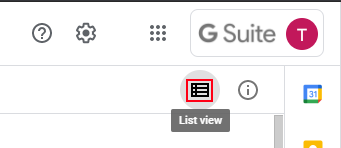
- In the top right corner, click on the "List View" icon to show your drive in "List" mode (not "Grid"):
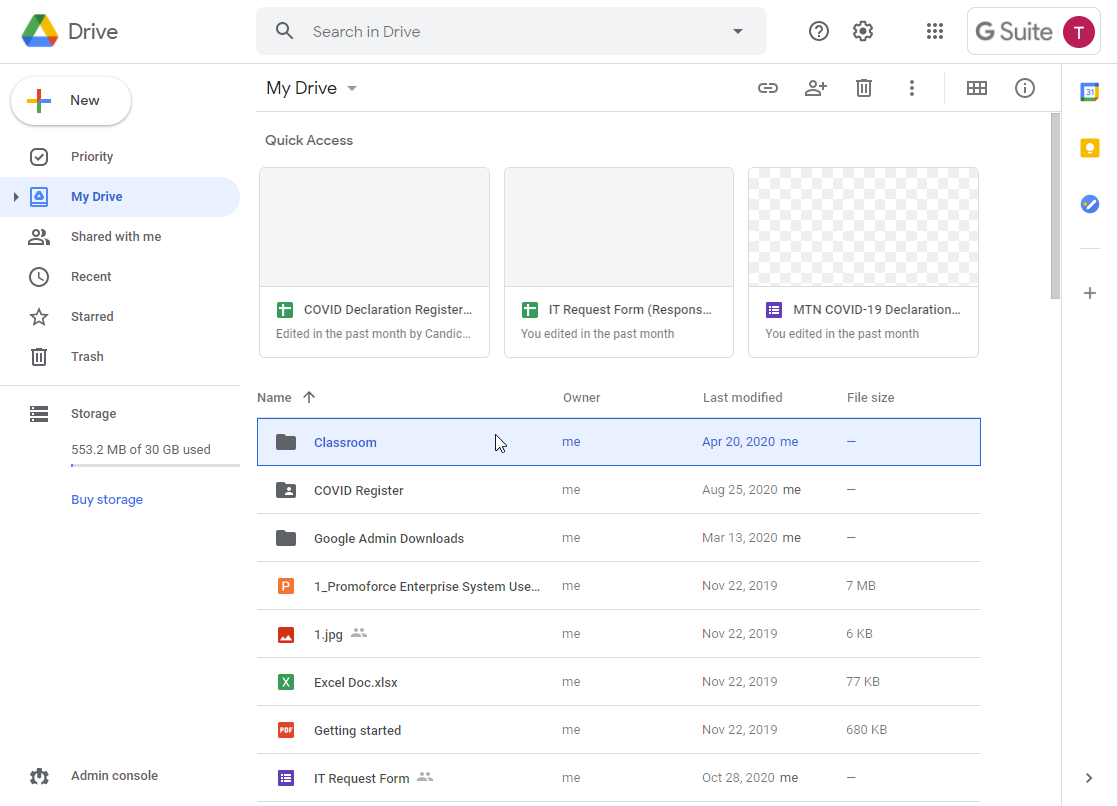
- Click on the first file/folder in the list to select it:
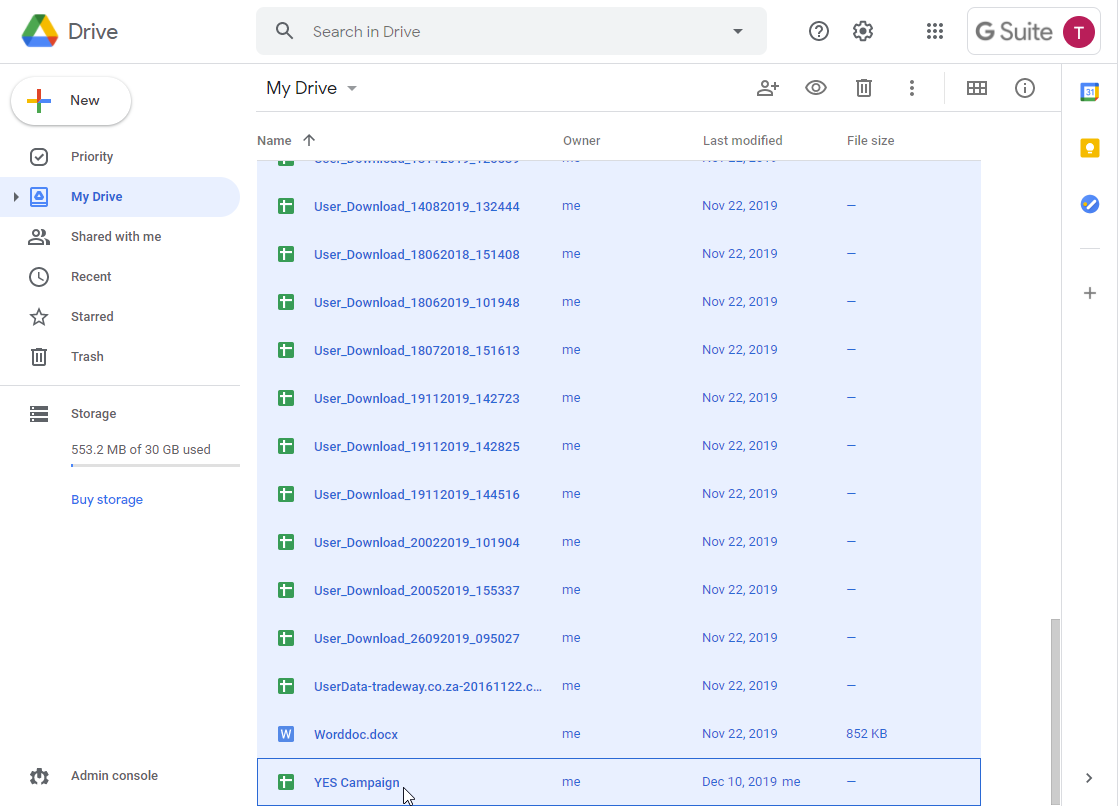
- Then scroll down to the bottom of the list, hold in the shift key on your keyboard and click on the last item in the list. This should select every item in your Google Drive:
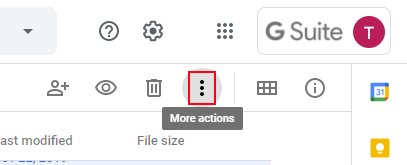
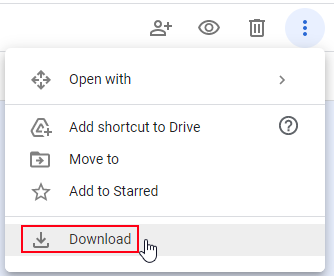
- In the top right section, click on the three vertical dots for "More Actions":
- Click on the "Download" option:
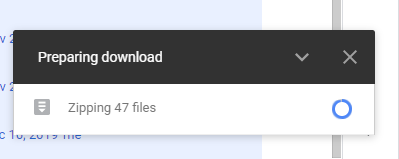
- Google will start preparing the files for download:
- Eventually your browser will start downloading the file:

- You now have a backup of your documents from Google drive in a Microsoft friendly format.
How do I download ALL my Google Drive documents?

Comments
0 comments
Article is closed for comments.