- Go to https://teams.microsoft.com
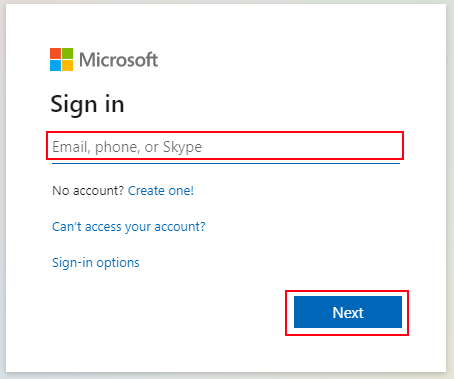
- You'll be asked to login, enter your email and click "Next":
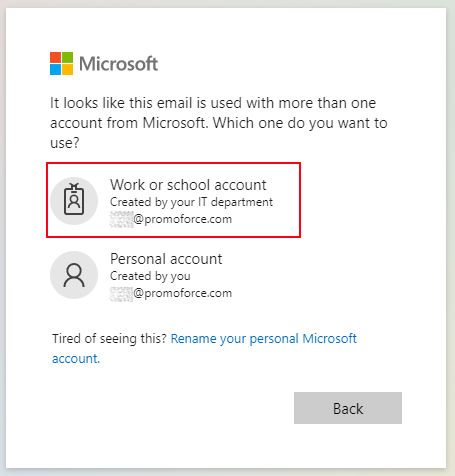
- If you are asked to select a Work or Personal account, select work (Not everyone will be asked this):
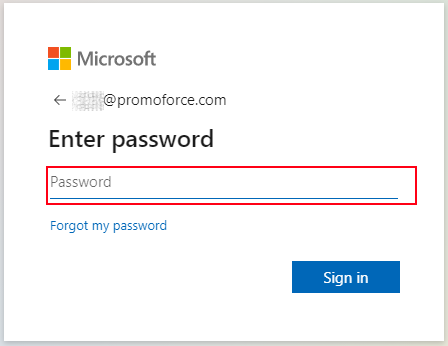
- Enter your Password and click "Sign In":
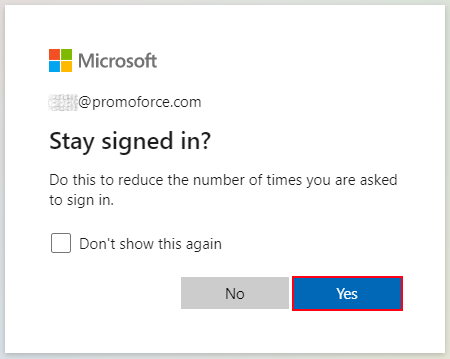
- You'll be asked if you want to stay signed in, select "Yes":
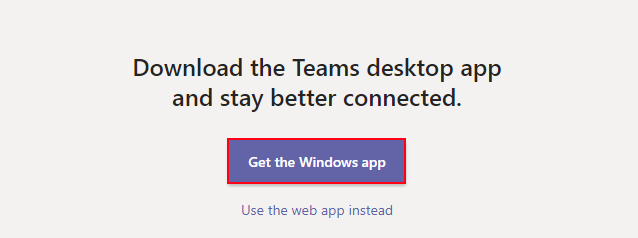
- Finally you'll be asked if you want to install the application - Click on the "Get the Windows/Mac App" button:
How do I setup Teams on my computer?

Comments
0 comments
Article is closed for comments.