
*Note: Two-step authentication may be required.
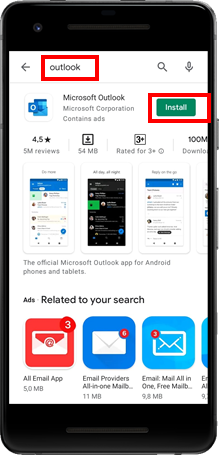
1. On your device, go to the Playstore and install the Microsoft Outlook App
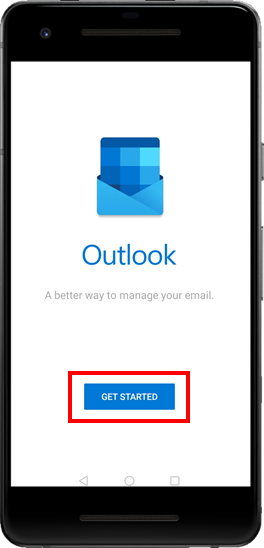
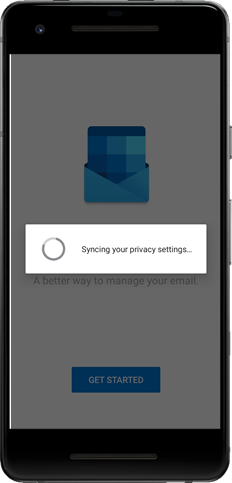
2. Open the app after it is installed and tap Get Started
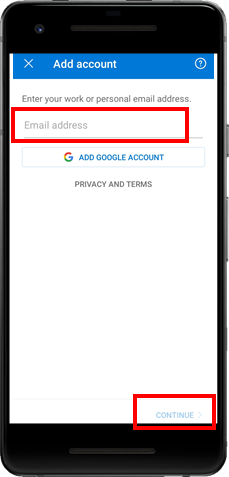
3. Enter you @tradeway, @procureforce or @vision email address and select Continue
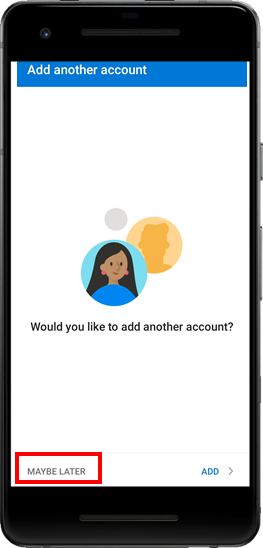
4. Select maybe later
5. It will start Syncing your privacy settings...
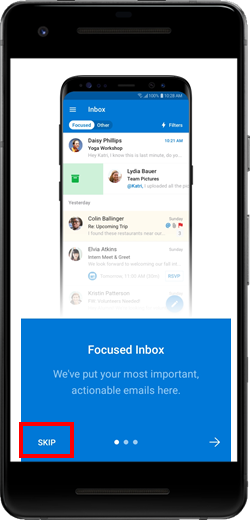
6. You can select Skip here
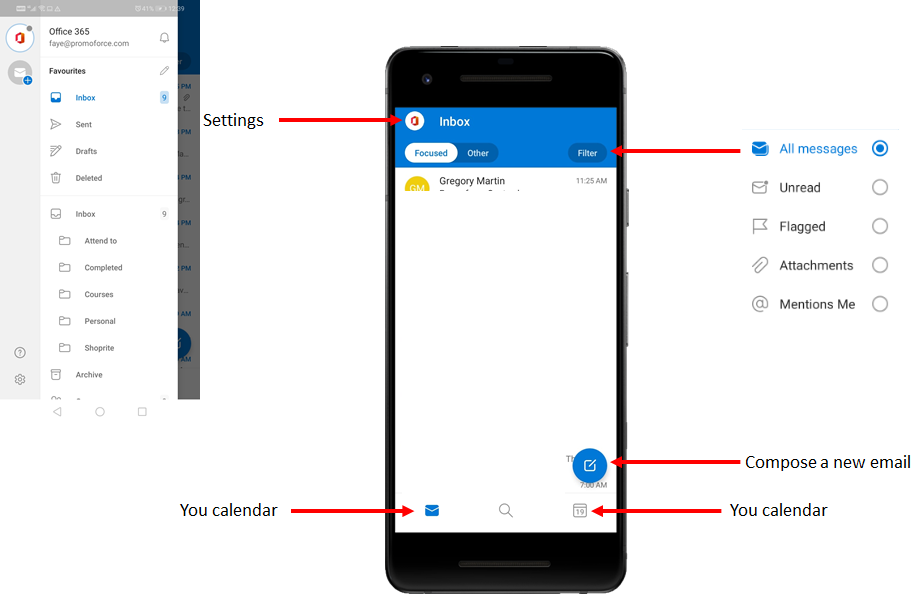
7. You can now start using your Outlook App
Comments
0 comments
Article is closed for comments.